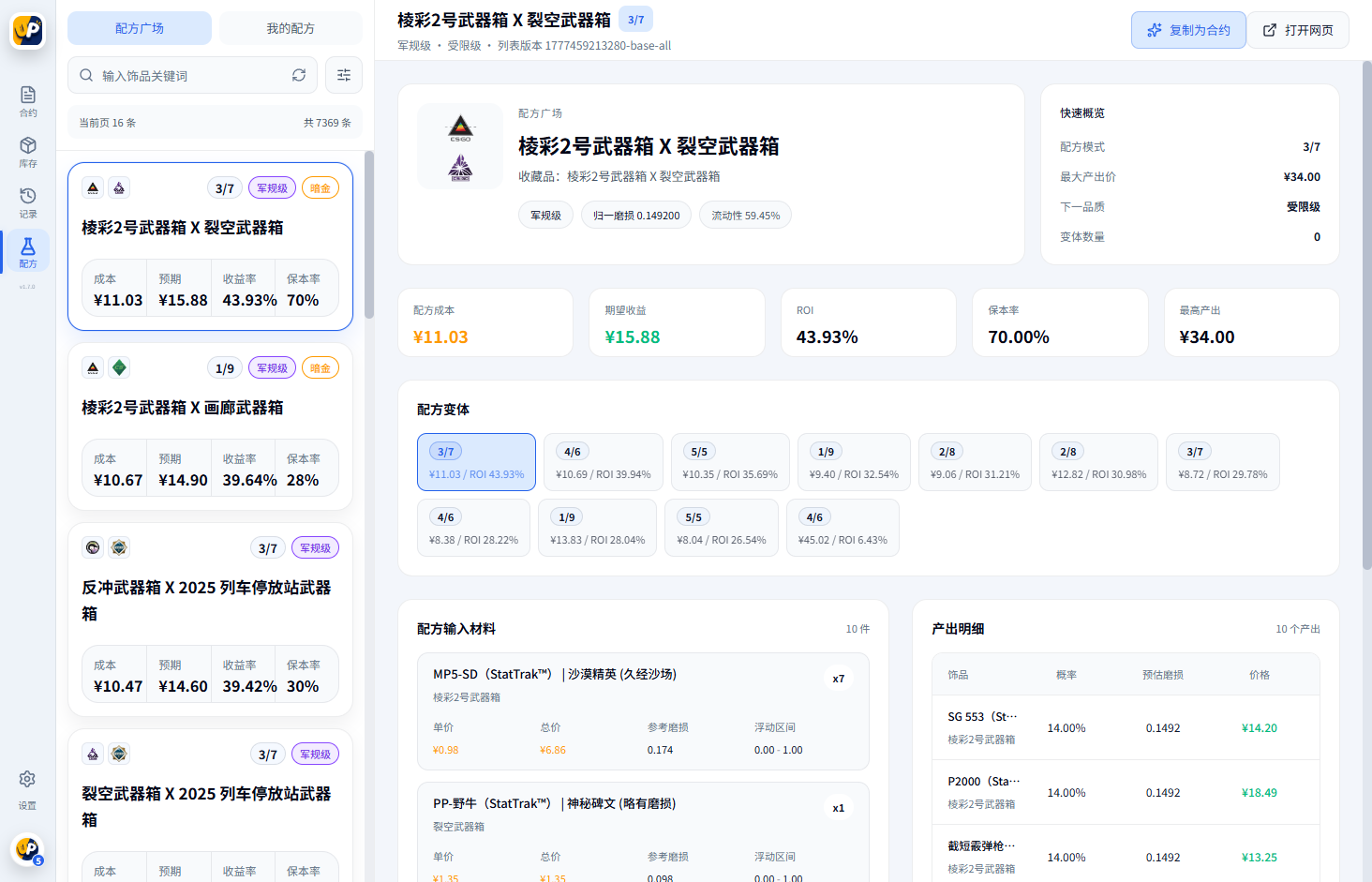
Narrow recipes by ROI, total cost, target rarity, material count and collection ratio to match your budget and risk preference.
CS2 / CSGO Trade Up CalculatorBuild Better Contracts Faster
CS2UP is a Windows trade-up tool for CS2 and CSGO players. It brings recipe discovery, inventory combinations, marketplace price collection, Steam inventory loading and contract records into one desktop workspace.
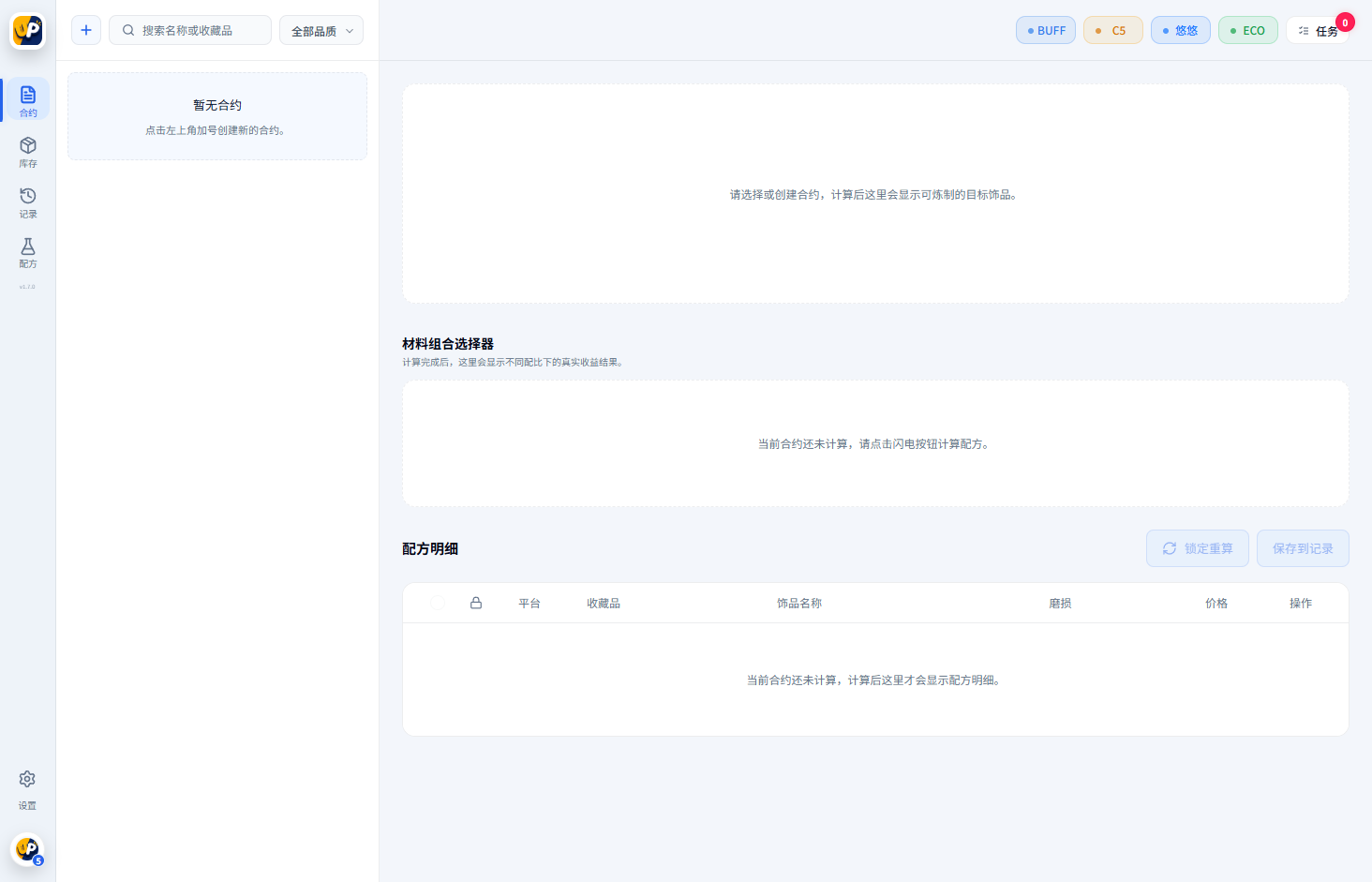
- Collect marketplace prices and generate material estimates
- Filter recipes by ROI, cost, rarity and material ratio
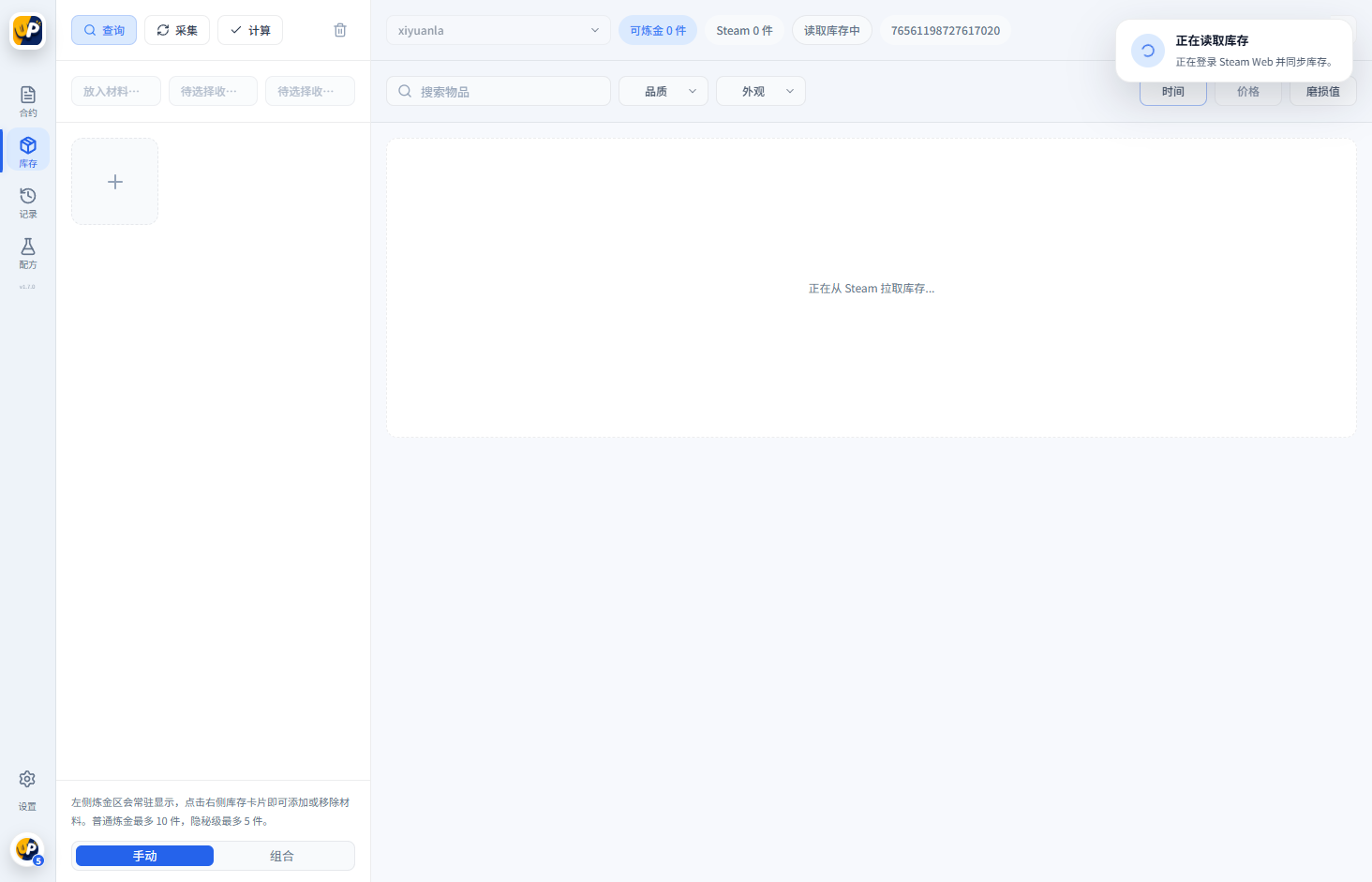
- Combine items from your inventory and calculate missing materials
- Manage BUFF, C5, UUYP and ECO settings in one place
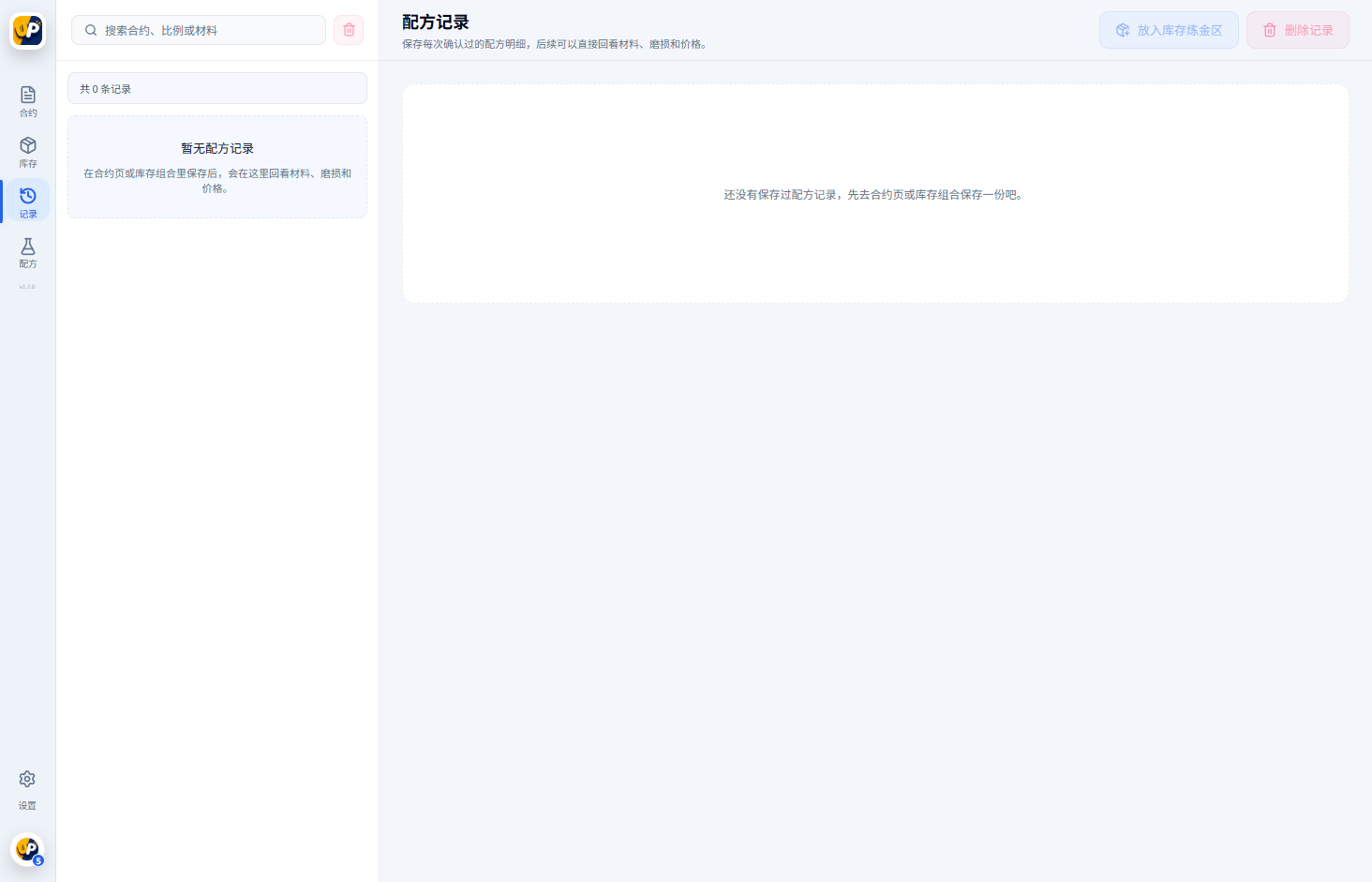
- Save, refresh and review trade-up contract records
Find Recipes and Build Inventory Trade-Ups in One Tool
Move from recipe discovery to price checking, inventory combinations and saved calculations without switching between multiple pages and spreadsheets.
Use items you already own, see which skins fit a contract and calculate the materials and cost still required.
Manage BUFF, C5, UUYP and ECO settings in one place and use collected prices as a reference for contract costs.
Compare investment, expected return, ROI and other key figures without repeating calculations by hand.
Save recipes you are watching or have used, refresh prices later and review the original material combination.
Keep common trade-up tasks in a Windows client built for repeated filtering, comparison and inventory management.
Start Using CS2UP in Four Steps
For your first session, configure marketplace and inventory access before filtering contracts and checking live prices.
Download the latest Windows client, install it and sign in to your CS2UP account.
Add the marketplace credentials you need and verify that price collection is working correctly.
Load your Steam inventory for combination calculations, or filter public recipes by budget, rarity and ROI.
Check live prices, fees and item availability before buying, then save the contract for later review.
Who Is This Trade-Up Tool For?
CS2UP supports players learning trade-up contracts as well as experienced users who compare recipes and inventory combinations regularly.
Understand contract structure through clear cost, rarity and outcome data while avoiding error-prone manual calculations.
Filter candidates by cost and ROI, then use your inventory to estimate missing materials and total additional spend.
Reduce repetitive work with multi-market prices and saved records while tracking price changes over time.
Frequently Asked Questions
Review these common questions about features, pricing data and trade-up risk before downloading or calculating a contract.
What can the CS2UP trade-up calculator do?
It finds CS2 and CSGO trade-up recipes, calculates cost, ROI, rarity and material ratios, loads Steam inventory, builds inventory-based contracts and saves previous recipes.
Which skin marketplaces does CS2UP support?
The client can manage credentials and price collection settings for BUFF, C5, UUYP and ECO. Available integrations may vary by client version.
What should I do before using inventory trade-ups?
Install and sign in to the client, then follow the help guide to load your Steam inventory. Once loaded, select existing items and calculate any materials still required.
Does the calculator guarantee a profit?
No. Skin prices, liquidity, marketplace fees and trade-up outcomes change over time. Results are estimates only, so verify live prices before trading.
What if prices or inventory do not load?
Check your connection, marketplace credentials and Steam inventory visibility. Marketplace API changes may also require a newer client version.
How is the desktop app different from web recipes?
The web page is designed for quick public recipe searches. The desktop app adds inventory loading, inventory combinations, marketplace settings, collection tasks and saved contract records.
Ready to Calculate Your Next Trade-Up Contract?
Download the Windows client, or review the help center for inventory loading and marketplace setup instructions.